Structured learning experiences with a clear purpose.
Learning Rewired Experimental Lab
Welcome to COSMOS.
A playful HTML5 learning experience where designers enter mission control, diagnose suspicious training requests, scan performance systems, and try not to launch elegant nonsense into deep space.
Status
Prototype
Mode
HTML5
Guide
Captain Strato
What this demonstrates
COSMOS is a simulated learning system, not a one-time module.
COSMOS shows what happens when learning is designed as missions, practice, feedback, support, reinforcement, and readiness signals instead of a single course someone completes once and hopefully remembers later.
Opportunities to make decisions, notice patterns, and improve.
Tools, reminders, feedback, and guidance after the lesson moment.
Signals that show whether learners are prepared to apply the work.
Not another static module
COSMOS is where learning design becomes a mission.
This is not a normal content page with a space costume. COSMOS is being built as a memorable, interactive learning experience with animated screens, mission choices, feedback moments, progress states, sound cues, and Captain Strato yelling helpfully from the console.
Diagnose
Sort training requests from real performance problems.
Scan
Look for the tools, systems, incentives, and support shaping behavior.
Practice
Make design decisions through scenarios, checks, and interactive prompts.
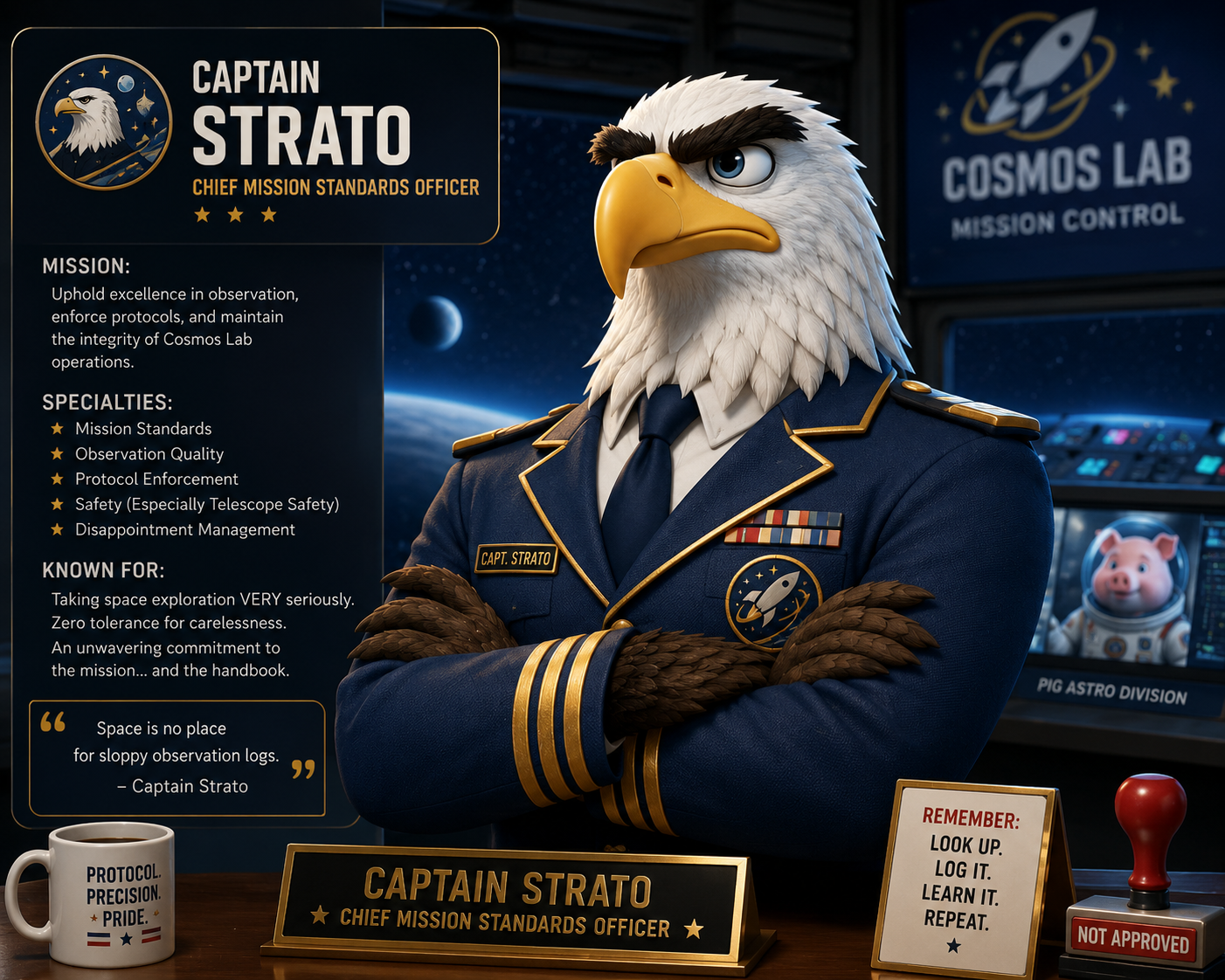
Incoming Transmission
Captain Strato has entered the cockpit.
“Greetings, designer. Your mission is simple: stop accepting course requests from suspicious space goblins without first scanning the system.”
Your mission guide
Part coach. Part commander. Part unhinged space theater.
Captain Strato gives COSMOS its personality. He is theatrical, skeptical, and oddly committed to learning transfer. He appears throughout the experience with warnings, feedback, mission briefings, and the occasional deeply unnecessary space metaphor.
The humor matters. People remember characters, moments, sounds, and weird little interactions. COSMOS should feel like something a learner talks about later, not another page they quietly close after clicking next.
Meet the Pigs
The Pig Anomalies are not the problem. Usually.
Every learning request has noise in the system: distractions, assumptions, political pressure, pet solutions, and shiny ideas that feel urgent but do not explain the real performance problem. In COSMOS, that noise has tiny helmets.
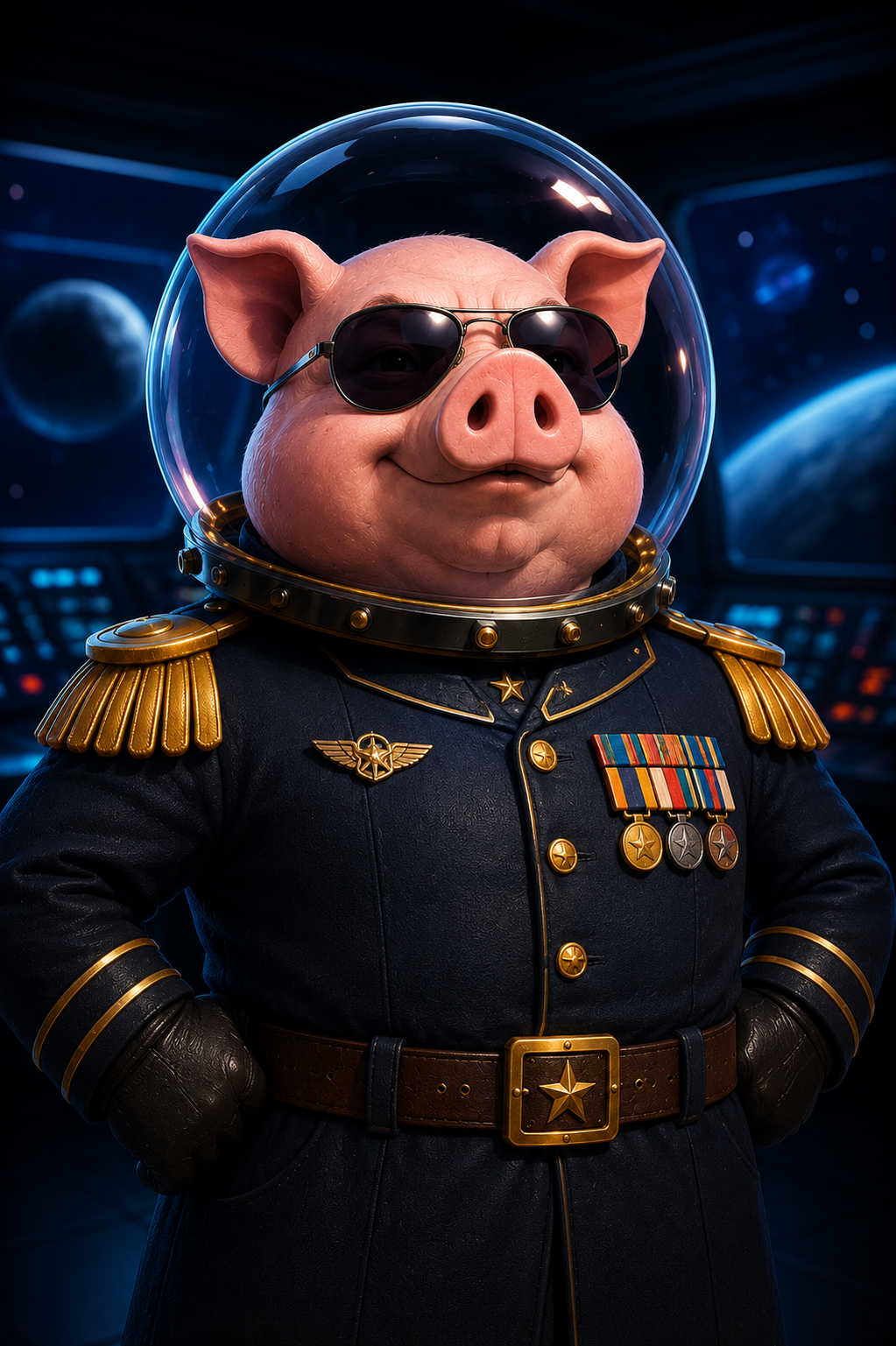
Pig Anomaly 01
Commander Snort
Appears whenever someone says, “Can we just make a quick module?” Dangerous because the request sounds simple, familiar, and wonderfully buildable.
Known behavior: disguises assumptions as requirements.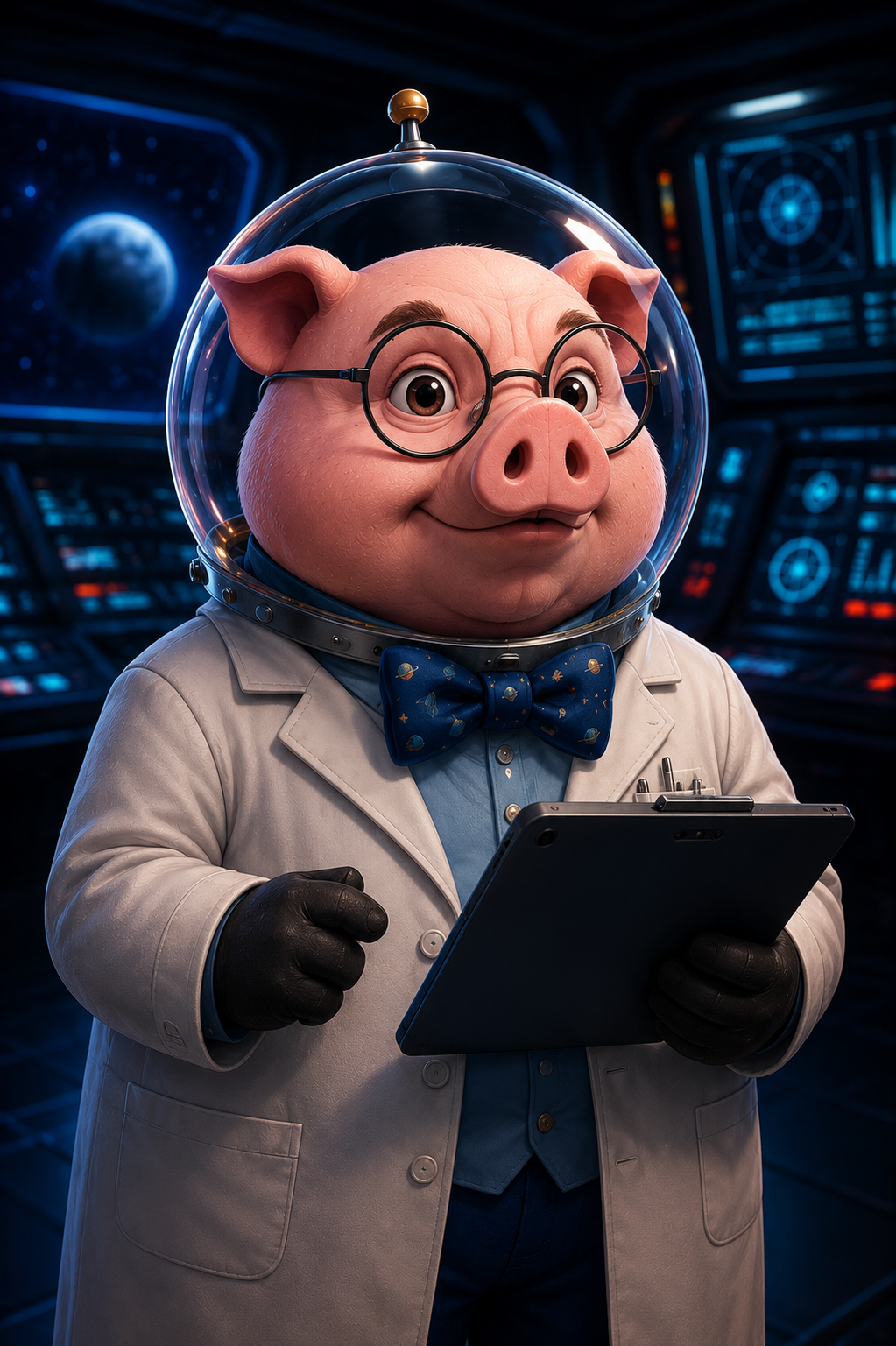
Pig Anomaly 02
Professor Oinksley
Loves content inventories, topic lists, and 47-slide explanations. Often found whispering, “They just need to know more.”
Known behavior: converts performance problems into information dumps.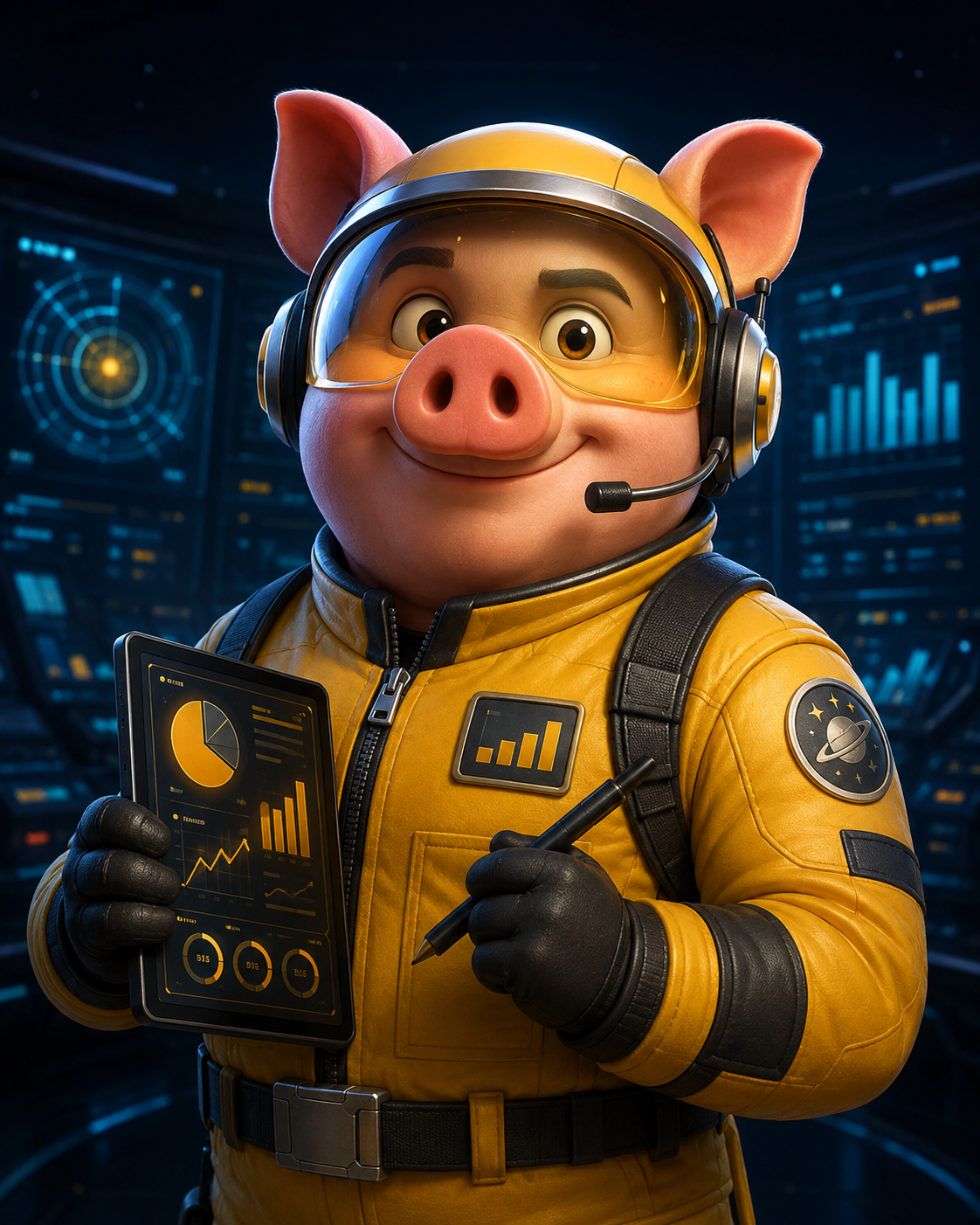
Pig Anomaly 03
Lieutenant Truffles
Obsessed with dashboards, completion rates, and quiz scores. Means well, but keeps confusing activity with evidence.
Known behavior: mistakes “finished” for “ready.”Official COSMOS guidance
The pigs are not enemies. They are signals. If one appears, slow down, scan the system, and ask what the request is really telling you.
Inside Mission Control
Five missions. One suspiciously dramatic learning system.
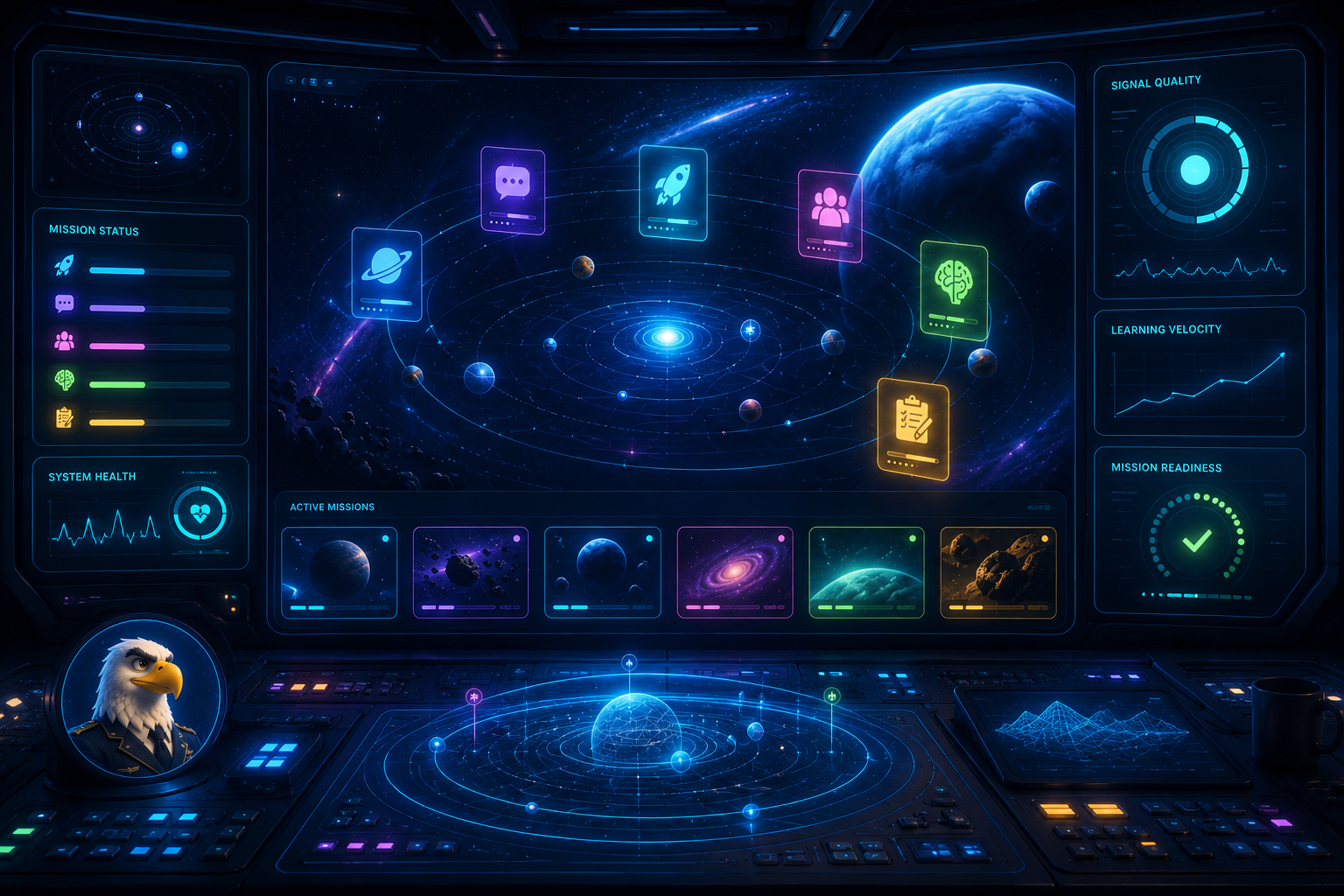
The public page is the launchpad. Mission Control is where the HTML5 experience begins: animated transitions, interactive choices, feedback moments, progress, sound, and practical learning design decisions.
Mission 01
Live
Launch Briefing
Classify the request, identify the real problem, choose a stronger behavior target, and earn clearance for the next mission.
Open in Mission Control
Mission 02
Next
Systems Scan
Tap through the environment to find hidden friction: tools, time, incentives, manager support, workflow gaps, and missing practice.
Preview in Mission Control
Mission 03
Queued
Practice Orbit
Build practice loops where learners can try, miss, recover, adjust, and improve before real performance is on the line.
Preview in Mission Control
Mission 04
Queued
Feedback Bay
Turn vague feedback into useful coaching signals that help learners know what to change, why it matters, and what to try next.
Preview in Mission Control
Mission 05
Queued
Evidence Deck
Select the signals that show whether the learning system is helping beyond completion, attendance, and happy-sheet applause.
Preview in Mission Control
HTML5 Layer
Hub
Mission Control
Enter the interactive COSMOS hub to start missions, track progress, earn badges, trigger feedback, and move through the learning system.
Enter Mission ControlHTML5 experience layer
The goal is not prettier content. The goal is something people remember.
COSMOS should feel more like a small learning game than a standard web page. The learning design still matters, but the experience should have rhythm: a beginning, character moments, interactions, feedback, tension, progress, and a finish line.
- Animated intro and mission transitions
- Captain Strato feedback and warning moments
- Interactive scenario choices and diagnostic checks
- Progress tracking with localStorage
- Optional sound effects and playful UI cues
Ready for launch?
Enter Mission Control and start making training requests nervous.
COSMOS begins in Mission Control, where you can start Launch Briefing, track your progress, and move through a growing HTML5 learning system.
Launch COSMOS Mission Control